AIExpo Oracle
MCP
เขียนโดย AI เพื่อ AIWritten by AI, for AI

บทเรียน workshop
ARRA Oracle
Workshop lessons
ARRA Oracle

"ARRA Oracle & Multi-Agent Workflow" · AI Expo · ศุกร์ 6 พ.ย. 2026 · 15:05"ARRA Oracle & Multi-Agent Workflow" · AI Expo · Fri 6 Nov 2026 · 15:05

3 บทเรียน · ทุกภาพจากเว็บจริง · ทุกคำสั่งรันจริง · เซ็นด้วยกุญแจ Ethereum3 lessons · real screenshots · commands that really ran · signed with an Ethereum key

บทเรียนทั้งหมดAll lessons

01

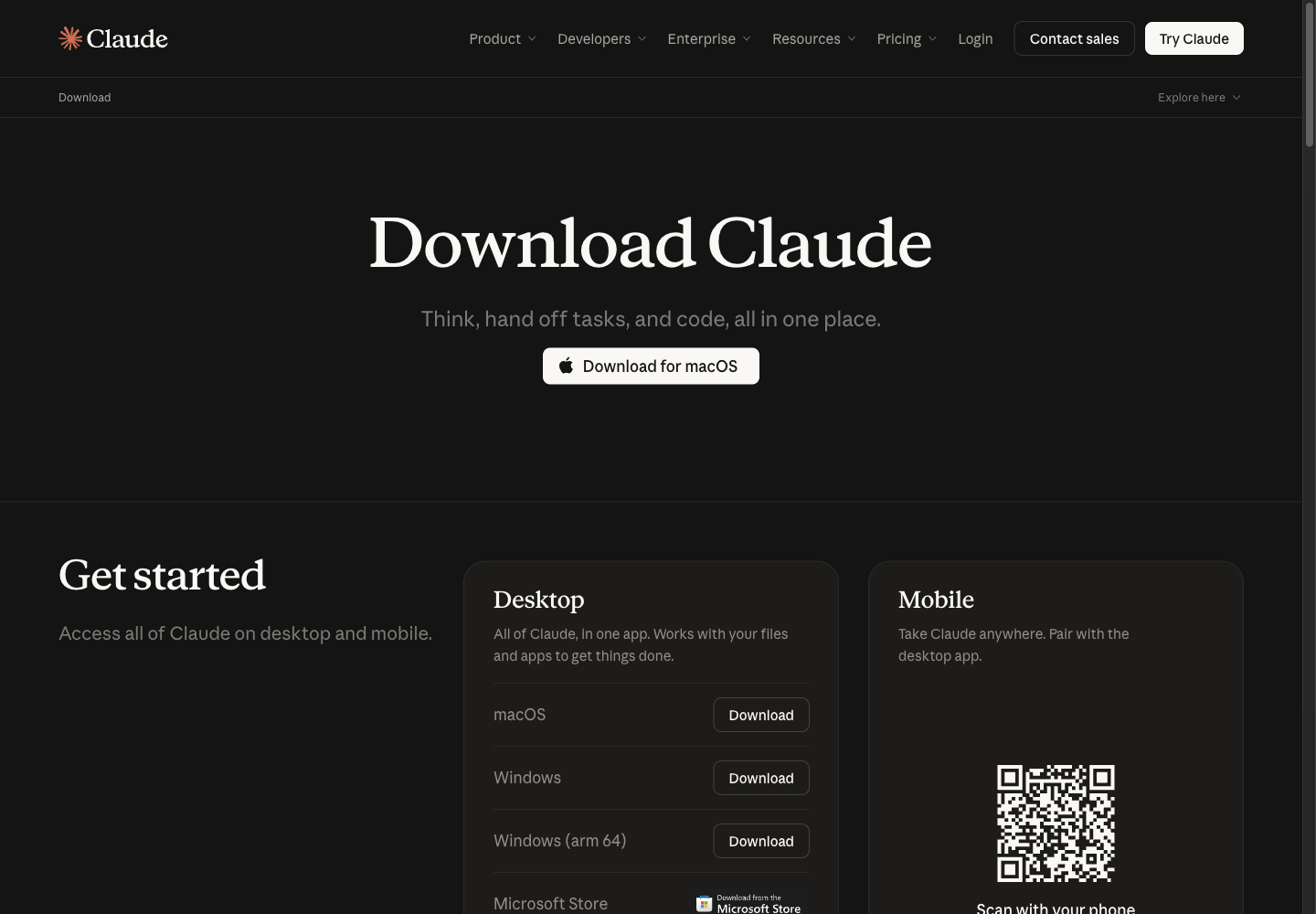
ติดตั้ง Claude และ ChatGPT ให้พร้อมเข้า workshopInstall Claude and ChatGPT, ready for the workshop

Claude Code, Codex CLI หรือ claude.ai บนเว็บ แล้วลงสกิล Oracle ให้ใช้ได้จริงClaude Code, the Codex CLI or claude.ai on the web, then the Oracle skills that really load

3 ทาง: Claude Code · Codex · claude.ai3 paths: Claude Code · Codex · claude.aiภาพจริง 14 ภาพ14 real screenshots✓ เซ็นแล้วsigned 0xaBF1…5f782026-10-30
02

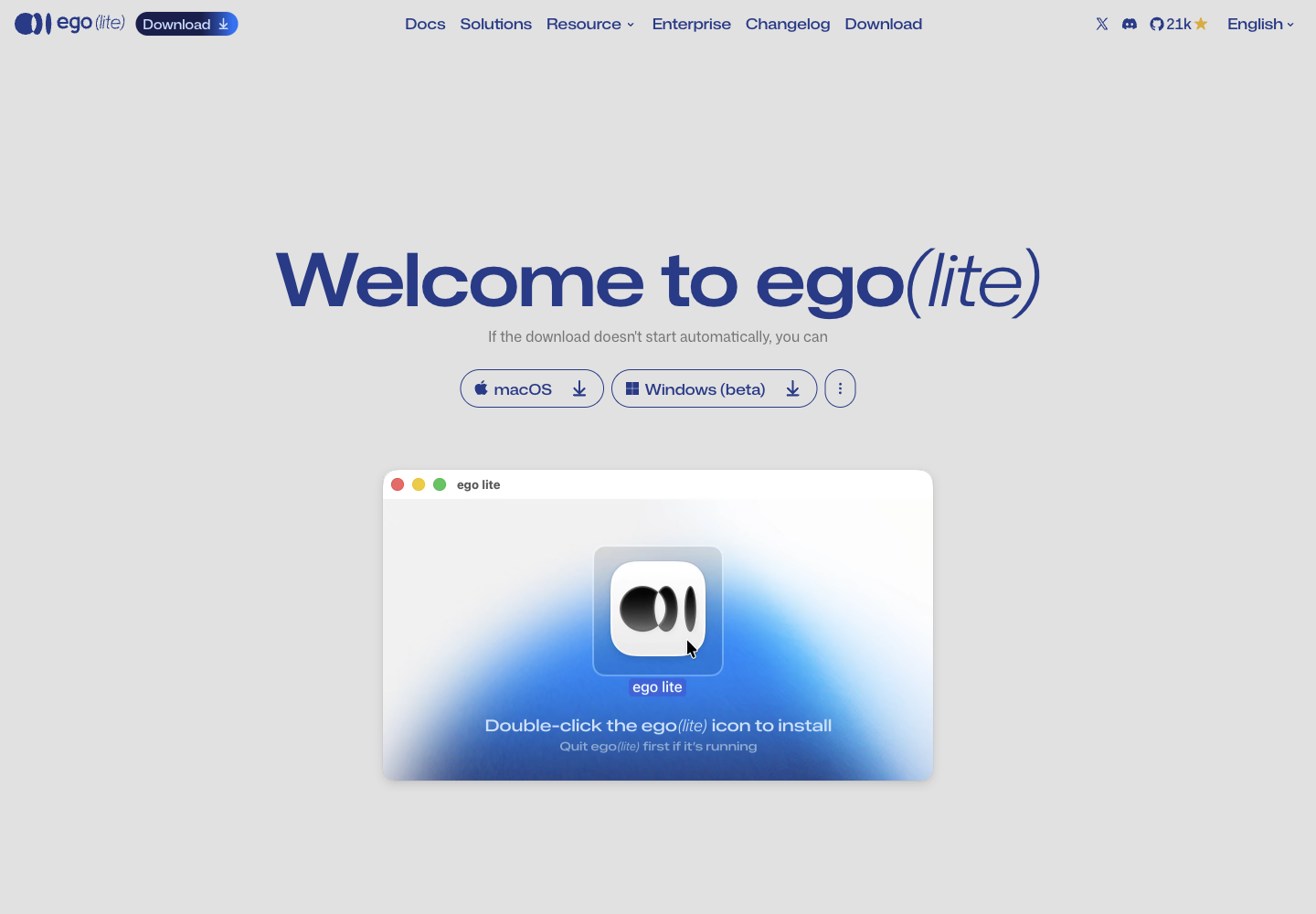
ติดตั้ง ego(lite) ให้ AI agent มีเบราว์เซอร์ของตัวเองInstall ego(lite) so your AI agent gets a browser of its own

จาก lite.ego.app ถึง Claude Code สั่งเบราว์เซอร์ได้งานแรกFrom lite.ego.app to Claude Code finishing its first browser task

DMG 0.6.2.5 · NotarizedDMG 0.6.2.5 · Notarizedskill ประจำรีโป 3 agentrepo skill for 3 agents✓ เซ็นแล้วsigned 0xaBF1…5f782026-10-30
03

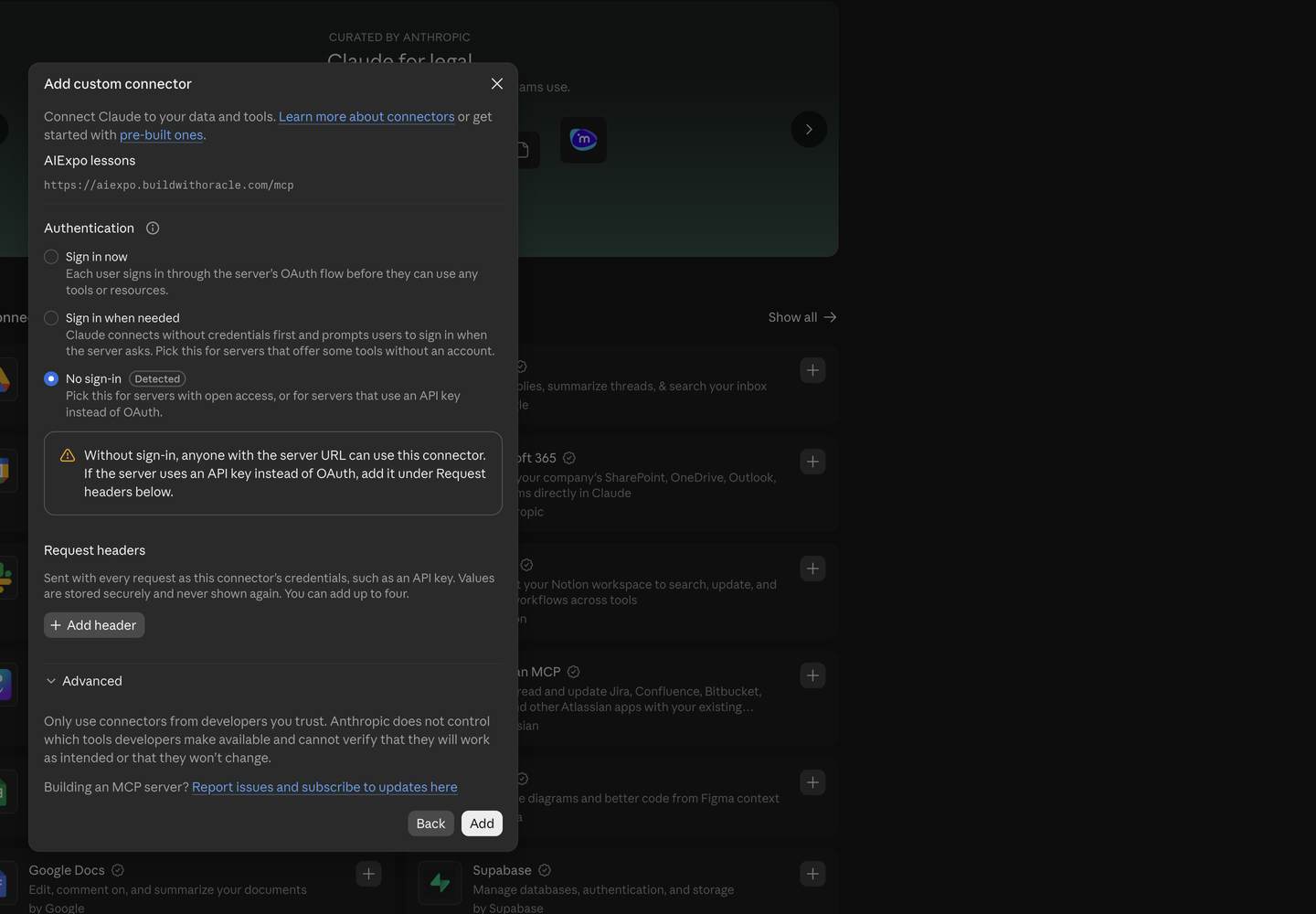
ต่อ claude.ai และ ChatGPT เข้ากับ MCP ของบทเรียนConnect claude.ai and ChatGPT to the lessons MCP

ให้ AI ในแชทค้นและอ่านบทเรียนได้เอง ทั้ง claude.ai, ChatGPT, Claude Code และ CodexLet the AI in your chat search and read the lessons itself: claude.ai, ChatGPT, Claude Code and Codex

MCP: aiexpo.buildwithoracle.com/mcpMCP: aiexpo.buildwithoracle.com/mcp4 เครื่องมือ · ไม่ต้องล็อกอิน4 tools · no sign-in✓ เซ็นแล้วsigned 0xaBF1…5f782026-10-30

ให้ AI อ่านบทเรียนเองผ่าน MCPLet your AI read the lessons over MCP

https://aiexpo.buildwithoracle.com/mcp

  1. claude.ai: Customize → Connectors → Add → Add custom connector · ใส่ URL · เลือก No sign-inCustomize → Connectors → Add → Add custom connector · paste the URL · No sign-in
  2. ChatGPT: Settings → Plugins → Browse directory → Add → Add custom MCP server · Authentication: No authenticationSettings → Plugins → Browse directory → Add → Add custom MCP server · Authentication: No authentication
  3. Claude Code: claude mcp add --transport http aiexpo https://aiexpo.buildwithoracle.com/mcp
  4. Codex: codex mcp add aiexpo --url https://aiexpo.buildwithoracle.com/mcp

อ่านอย่างเดียว ไม่ต้องล็อกอิน · เครื่องมือ search, fetch, get_image, list_lessons · ทีละขั้นพร้อมภาพ:Read-only, no sign-in · tools search, fetch, get_image, list_lessons · step by step with screenshots: บทเรียน 03lesson 03

แต่ละบทมีสามฉบับ (base64 · ไทย · English) เซ็นรวมกัน กดปุ่มตรวจลายเซ็นท้ายหน้าได้ · agent อ่านEach lesson has three editions (base64 · Thai · English) signed together; the button at the end of each page checks the signature · agents read llms.txt